
PC extension
The most popular and convenient capture tool. Suitable for both simple and complex cases.
Install for freeStep 1
Install the extension and pin the quick-access icon
To access the extension menu, click the icon in the top bar.
Step 2
Use the context menu
The extension's main functions are duplicated in the context menu, which you can open by right-clicking.
Step 3
Choose a capture method
You can take a screenshot of the visible area or the entire page. Screen recording is a universal capture method.
Step 4
Create the protocol
After capturing the evidence and making payment, you can download the protocol. A link to your account will be sent to your email.
Step 1
Install the extension and pin the quick-access icon
To access the extension menu, click the icon in the top bar.
Step 2
Use the context menu
The extension's main functions are duplicated in the context menu, which you can open by right-clicking.
Step 3
Choose a capture method
You can take a screenshot of the visible area or the entire page. Screen recording is a universal capture method.
Step 4
Create the protocol
After capturing the evidence and making payment, you can download the protocol. A link to your account will be sent to your email.
shotapp.ru
Upgrade
“My Arbitr”

ShotApp Desktop PRO
Extensions
ShotApp Desktop Pro
Manage extensions
Gmail
Images
Watch now! Check out a few new products from Google
ShotApp Desktop Pro

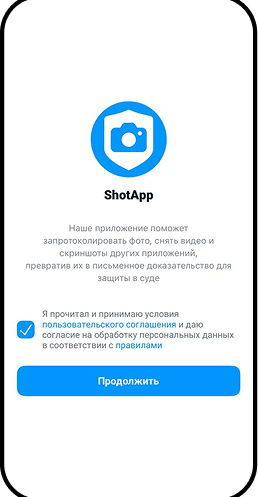
ShotApp video tutorials
ShotApp video tutorials

Recording a WB product listing in a browser

Recording WhatsApp chat correspondence in a browser

Recording Telegram chat correspondence in a browser

Recording VKontakte chat correspondence in a browser

Recording MAX chat correspondence in a browser

Recording a WB product listing on iOS

Recording a WB product listing on Android

Recording an Avito listing

Recording a YouTube video

Recording Telegram chat correspondence on a smartphone

Recording MAX chat correspondence on a smartphone

Recording VK chat correspondence on a smartphone

Certification of email correspondence

Recording WhatsApp chat correspondence on a smartphone

Recording a WB personal account